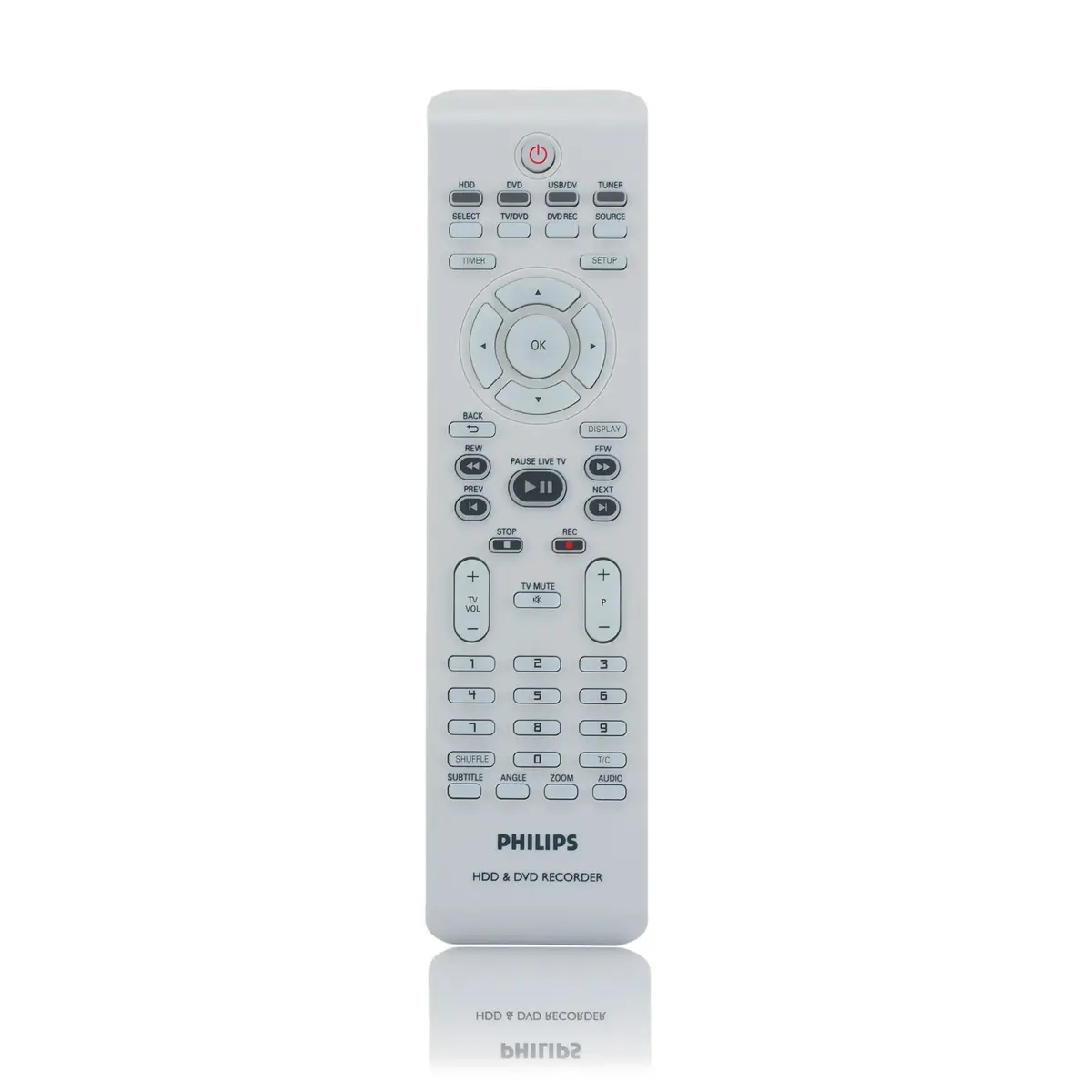
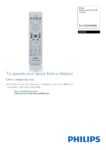
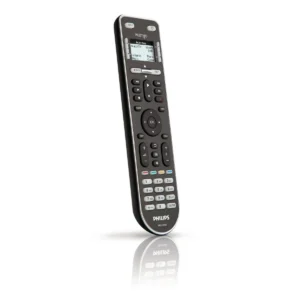
To ensure optimal performance of your Philips For DVDR3450H remote control, it is recommended to press the designated buttons on the front panel to navigate through menus and select options such as input sources (e.g., TV). This allows you to easily switch between different video inputs like HDMI, component, composite, etc., without needing additional external devices.
Additionally, familiarizing yourself with the layout will help streamline operations when changing settings or accessing features specific to this model’s functionality. Remember that while built-in displays are absent from this particular remote, pressing certain keys can still provide visual feedback regarding status changes within the device itself if available in menu navigation paths.
Always consult user manuals provided by Philips for comprehensive guidance tailored specifically towards their models’ unique capabilities and requirements. Finally, consider pairing up with an infrared receiver unit if necessary depending upon how closely compatible both units adhere together under various conditions encountered during everyday usage scenarios involving multiple electronic appliances simultaneously operating concurrently within close proximity ranges respectively.
Product highlights
- Model: Philips For DVDR3450H Remote control for DVD recorder
- Colour: Grey
- sku: RC4701/01
- Remote control proper use: TV
- Input type: Press buttons
- Built-in display: No
Reviews
There are no reviews yet.